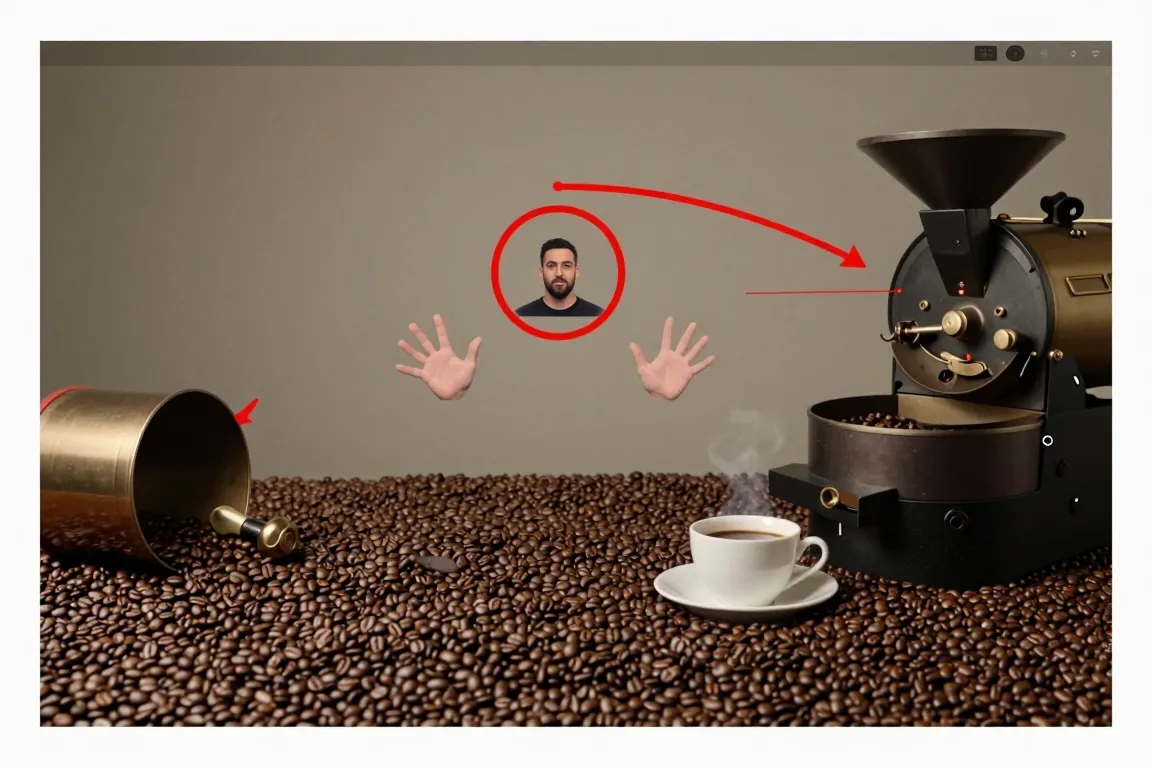
internet · 2020–now · also: Green screen video, TikTok green screen, Chroma-key explainer
A person stands in front of a screenshot, a map or a photo that fills the whole vertical frame, and talks about it. The creator cuts out the background with the chroma-key tool of a short-video app.
Core thesis
Put the speaker in front of the evidence: the image is the set, the creator is the commentator.
Design principles
Fill the 1080 x 1920 px frame with the background image; show the speaker from the waist up at 40% to 55% of the height.
Place the speaker at the left or the right third; keep the key area of the image free.
Cut out the speaker with a clean mask with a 1 px to 2 px feather.
Add a 3 px white stroke around the speaker when the background is busy.
Zoom the image in by 110% to 130% over the clip to guide the eye.
Mark a key detail with a 6 px red circle or an arrow at 100% opacity.
Caption the speech in 40 px words at the bottom third.