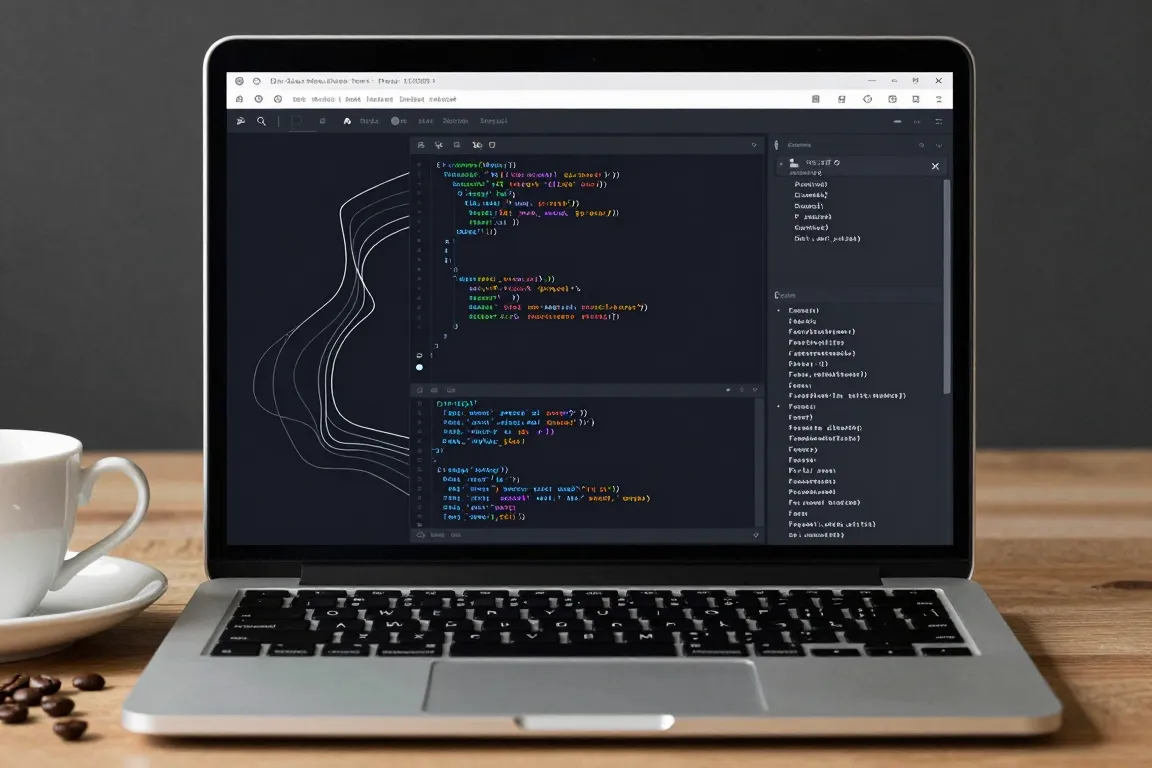
internet · 2016–now · also: Dev-tool dark UI, Linear style, Code-editor UI
Near-black surfaces, 1px hairline borders, one saturated accent, a monospace for data and keyboard hints on every action. It came from code editors and terminals and now defines software for engineers.
Core thesis
A tool for experts is a dense, calm, dark instrument: show a lot, keep it quiet and make everything reachable from the keyboard.
Design principles
Use a near-black ground (#0B0B0E) and 2 or 3 surface steps of 4% to 8% lightness each; no pure black and no pure white.
Draw every border as a 1px hairline in white at 8% to 12% opacity; panels have a radius of 6px to 8px.
Set one accent colour (indigo #5A66E8 or similar) and use it on less than 5% of the surface: focus, selection and the primary button.
Set UI text at 13px to 14px in a neutral sans and all data, ids and code in a monospace at 12px to 13px.
Show a keyboard hint in a 1px bordered key cap (radius 4px, 11px text) next to each main action; offer a command palette on Cmd+K.
Give every row a height of 32px to 40px and keep lists dense; separate rows by hairline, not by space.
Use motion of 100ms to 200ms for state changes only, with no entrance effects on content.
Anti-patterns
Pure black (#000000) or pure white text
Large rounded cards and thick borders
Colourful backgrounds and more than one accent colour