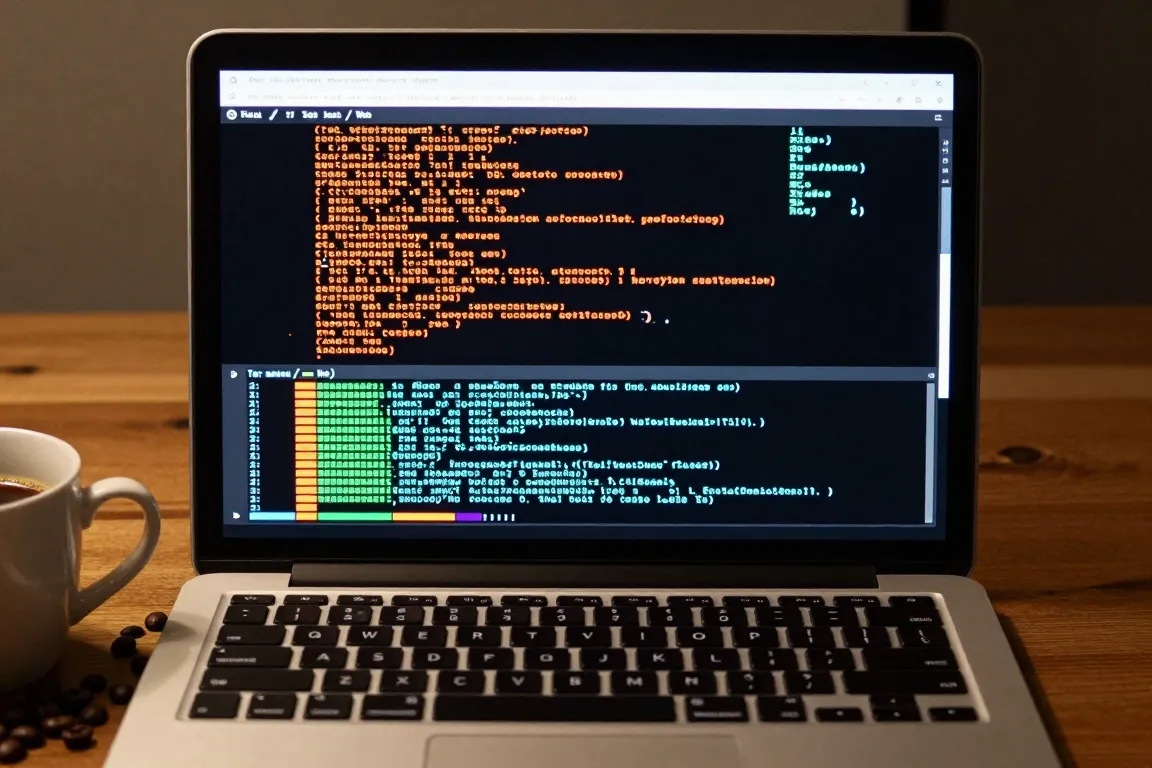
internet · 2017–now · also: Terminal UI, TUI aesthetic, Console web
A monospace grid, box-drawing borders, a dark or phosphor ground and keyboard hints. It borrows from command-line tools and text user interfaces to make web pages that feel like a terminal.
Core thesis
The terminal is the honest interface: a fixed character grid, text only and a keyboard make a tool fast and trustworthy.
Design principles
Set every character on a fixed grid: one monospace at 14px to 16px, character width 8px to 10px, line height 20px to 24px.
Align all blocks to whole characters and whole lines; widths are multiples of 1 ch and heights multiples of 1 line.
Draw borders with box-drawing characters (┌ ─ ┐ │ └ ┘) or a 1px line snapped to the grid; corner radius is 0px.
Use 2 to 4 colours: a dark ground (#0C0C0C), one text colour, one accent and an alert colour; green or amber on black for a phosphor look.
Show a prompt (>, $ or ▌) and a blinking block cursor at 1s intervals (500ms on, 500ms off).
Show keyboard shortcuts in brackets, for example [q] quit, [/] search, at 12px to 14px next to each action.
Use ASCII art, bars (▁▂▃▅▇) and text spinners (⠋⠙⠹) instead of images and icons.