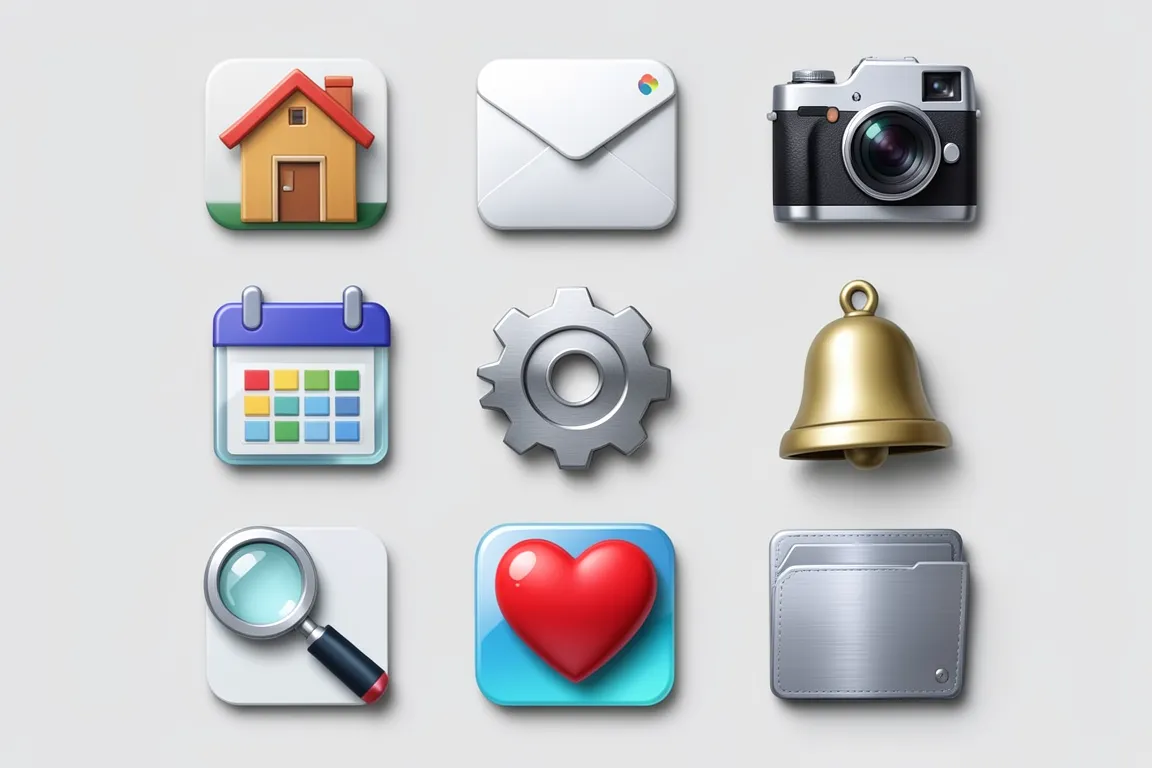
Icons that look like small real objects: leather, glass, metal and paper, with light from the top, gradients and a soft cast shadow. The style peaked with Mac OS X Aqua and iOS 1 to 6, and Tango gave it an open, semi-realistic form.
Core thesis
An icon is a small picture of a real object, and the material tells the user what the function is.
Design principles
Draw the master at 256 or 512 px and make hand-tuned copies at 16, 22, 32 and 48 px.
Light every object from the top or the top left, at 45°, with one highlight and one shade side.
Give each surface a material: a linear gradient of 2 to 5 stops for metal, glass, wood or paper.
Add a 1 px light inner edge on the top and a 1 px dark outline at 20–40% opacity around the object.
Cast a soft shadow under the object at 20–35% opacity, offset 1–3 px down at 32 px.
Use a three-quarter or slight top-down view so that the object shows depth.