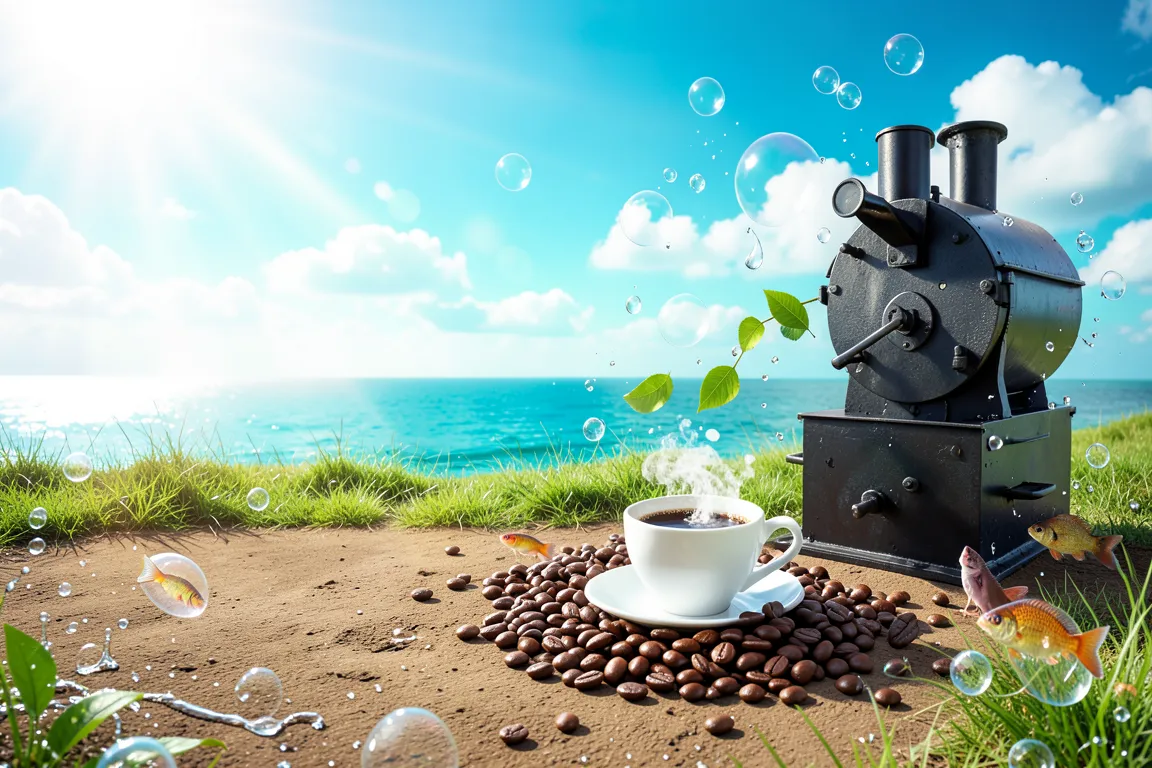
internet · 2004–2013 · also: Aero, Web 2.0 Gloss, Vista Aero, Skeuomorphic Nature Tech
Glossy glass buttons, aqua and grass-green gradients, water, sky and bubble imagery and humanist sans type. It grew from Y2K gloss into the Windows Vista, Mac OS X Aqua and Web 2.0 look of the late 2000s.
Core thesis
Technology belongs to nature and the human world, so a digital interface should look clean, glossy, alive and pleasant to touch.
Design principles
Build buttons and panels as glass: a vertical gradient, a white highlight on the upper 50% and a 1px light border.
Use a sky-to-grass or aqua-to-green gradient as the main background, with a lightness range of 45% to 95%.
Place nature imagery in the frame: water drops, bubbles, leaves, clouds, lens flares and blue sky at 20% to 60% of the hero area.
Set text in a humanist sans such as Frutiger or Segoe at 14px to 16px, in dark grey or navy, never in pure black.
Add a reflection under hero objects, at 25% opacity and 40% of the object height.
Round every container with a 6px to 12px radius, and use full pill shapes only for primary buttons.
Use soft shadows with 8px to 20px blur and a light glow of 4px to 8px on interactive elements.
Anti-patterns
Flat fills with no gradient or highlight
Hard offset shadows and thick black outlines
Dark, desaturated or monochrome palettes
Distressed texture and torn paper edges
Square 0px corners on all controls
Chrome-silver cyber motifs and pixel fonts
Abstract geometric shapes with no natural reference